Chat2Learn
An AI-powered mobile app designed to help parents build curiosity and language skills with their preschool and kindergarten children through guided dialogue.
Problem
The original Chat2Learn platform delivered daily conversation prompts to parents via SMS, helping them start open-ended conversations with their children. While the SMS version worked and was validated through a randomized control trial of over 700 families, it had significant limitations. SMS couldn't track engagement patterns like streaks or sessions, support richer interactions like voice input or saved memories, or create an experience inviting enough for families to return to regularly.
The challenge wasn't just to design an app—it was to design an experience parents would actually want to use in real-life contexts: while eating dinner, sitting on the couch, or winding down at the end of the day with their child.
“If you could be any fish for a day, which would you be?”
- Example Chat2Learn SMS Prompt
Research
Working remotely, I relied heavily on the BIP Lab's existing research and direct input from the team, who were parents themselves. The research revealed something critical: parents didn't have long, focused sessions with their kids, but rather short, natural windows—during dinner, on the couch, or in the car. This insight shaped a core decision: making voice the default interaction for starting a conversation, faster than typing while multitasking.
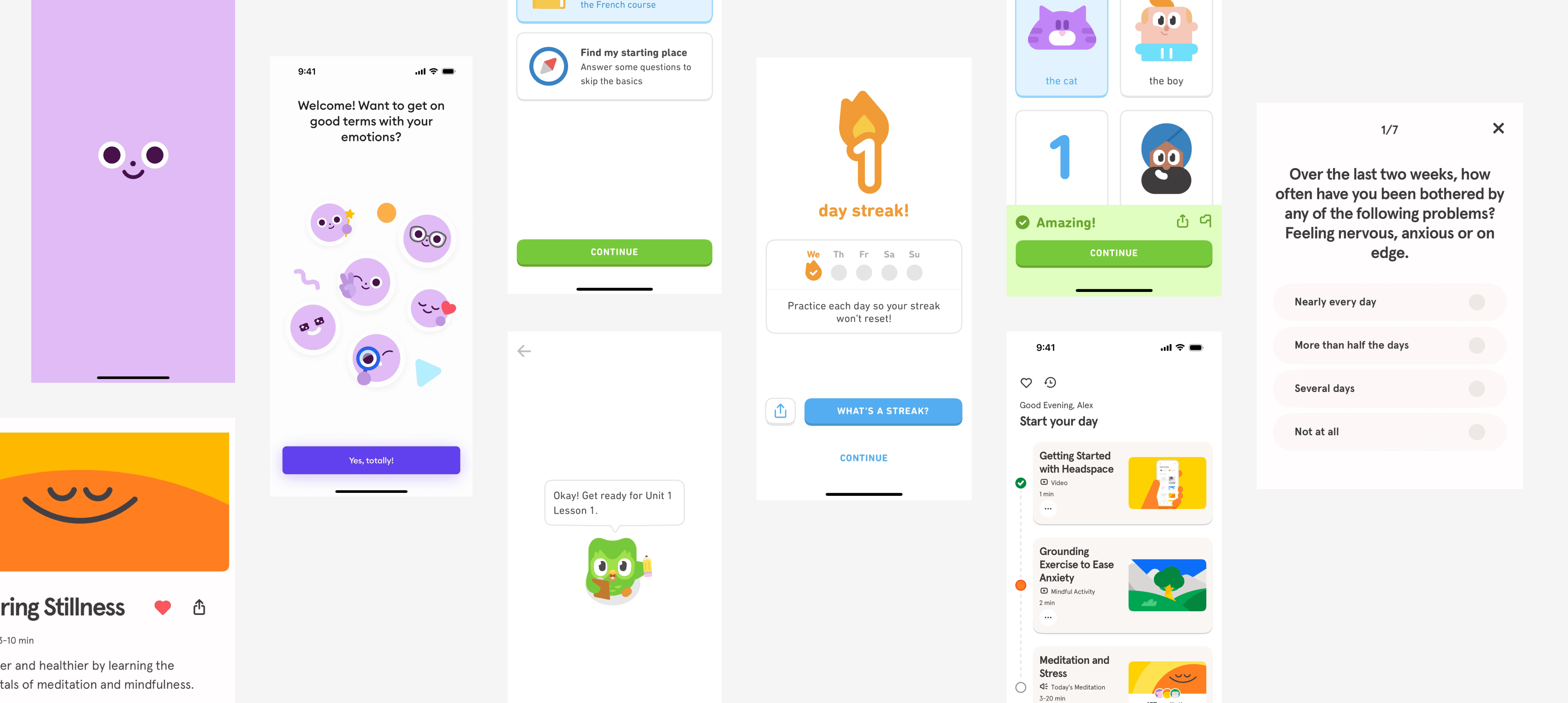
I studied Duolingo and Headspace for their use of color, typography, and gentle animation to create a welcoming tone, and WhatsApp for interaction familiarity, since most families in the cohort were already comfortable with messaging interfaces. Instead of formal usability testing, we walked through the product together twice a week, reviewing flows live and adjusting quickly based on feedback.

Process
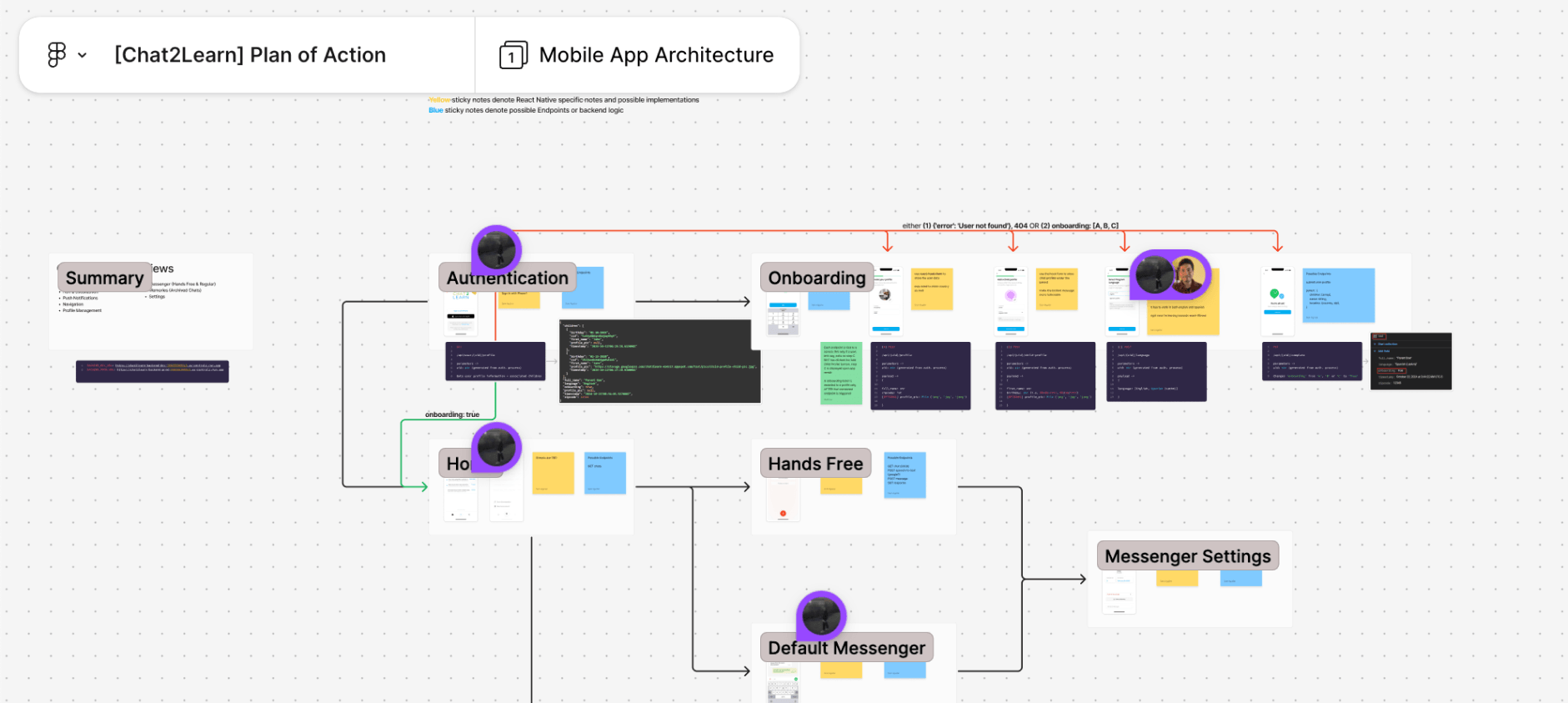
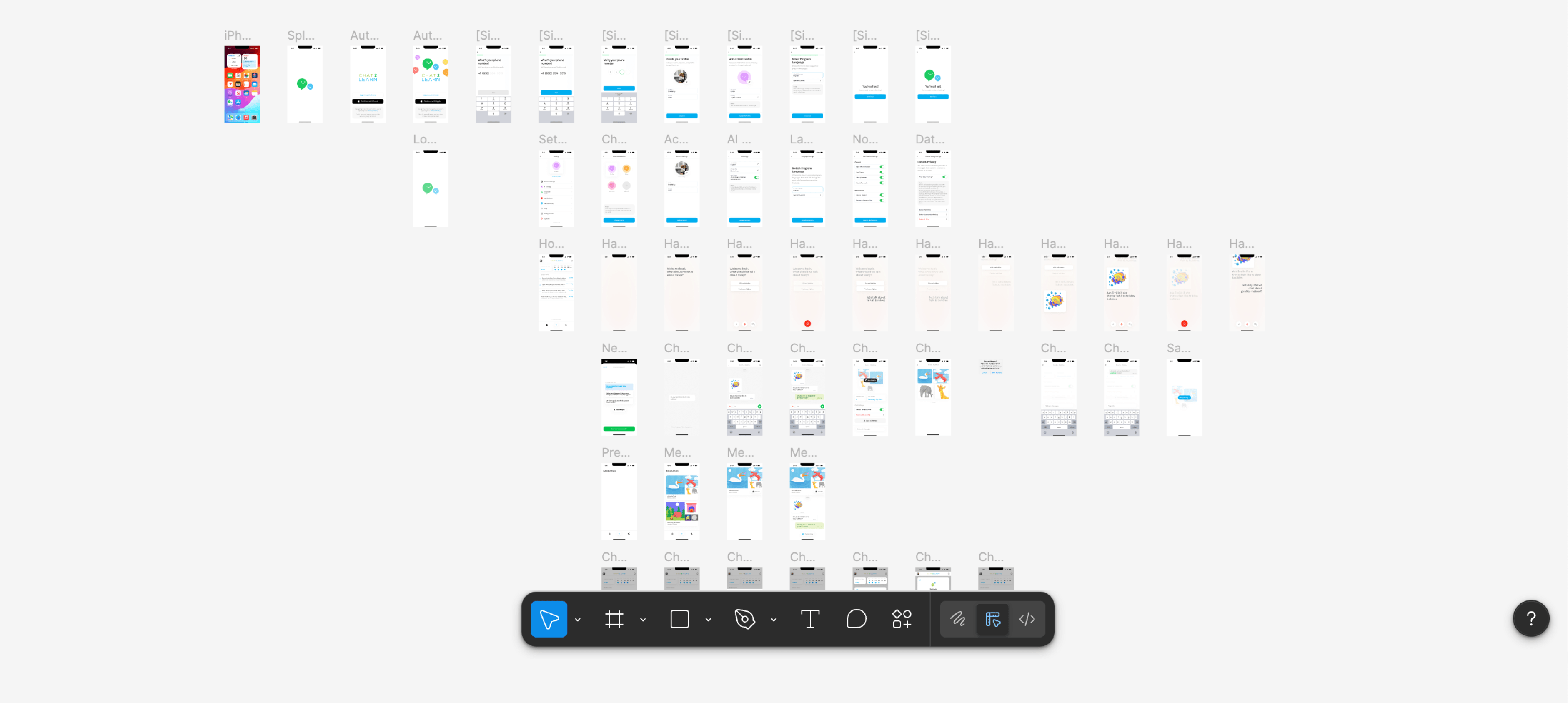
I started with quick wireframes and "quick and dirty" prototypes, using screenshots and familiar UI patterns to map core interactions before committing to high-fidelity design. The biggest design question we wrestled with was: What's the core interaction of the app? We explored child profile toggles on the home screen, a hands-free voice mode, whether conversations were ephemeral or ongoing, and whether to emphasize saved conversations or daily prompts.
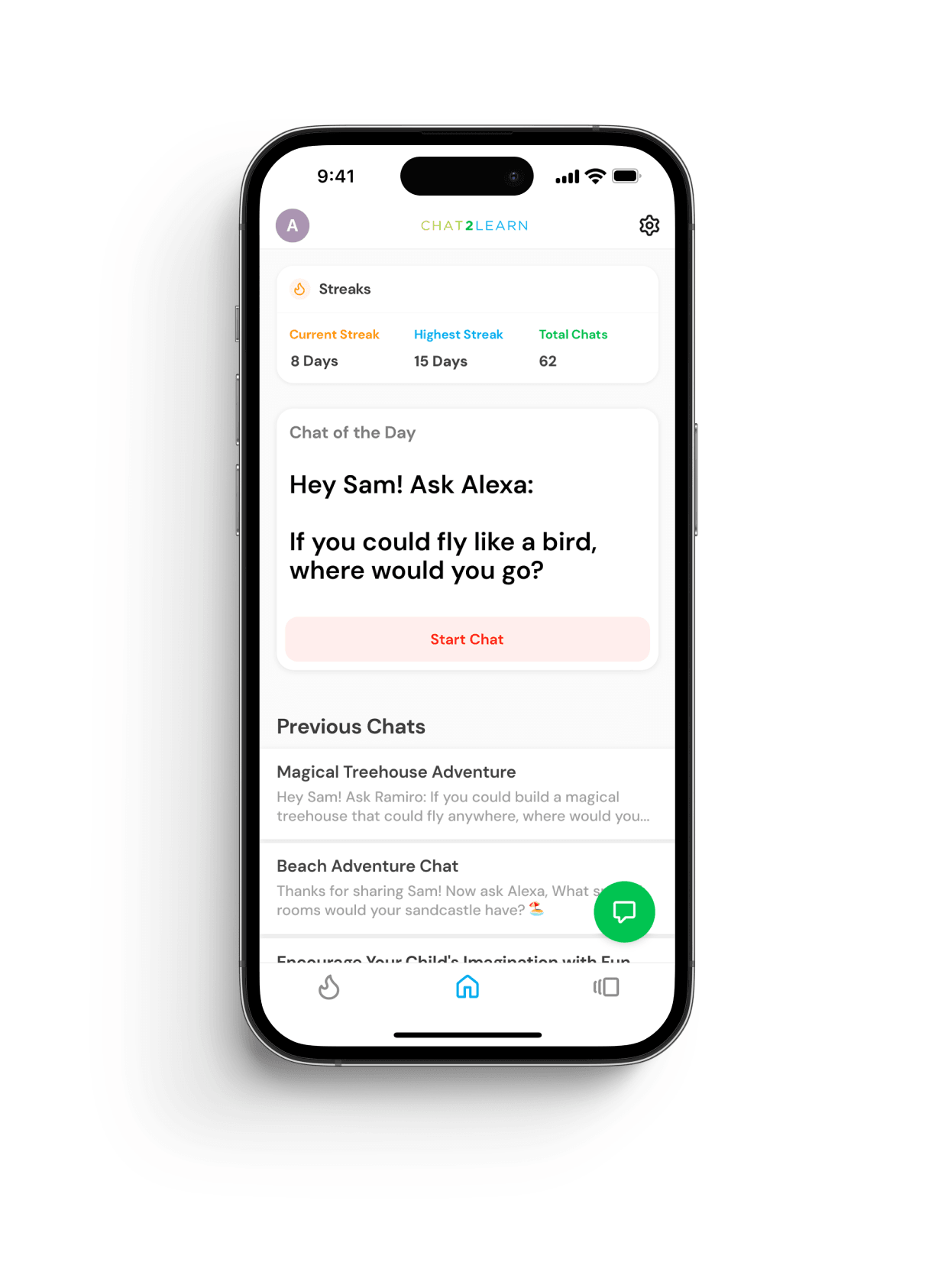
Through iteration and discussion with the client and dev team, we landed on a clear direction: the "Question of the Day" would be the center of the experience. This allowed consistency for families, a simple starting point every day, and enabled the BIP Lab to track comparable responses across households. Child profile toggles were moved to Settings after learning most families didn't have overlapping children in the target age range. The home screen went through three major revisions to reduce friction and make starting a conversation effortless. A hands-free mode was introduced after observing how parents might use the app while multitasking.
Final Design
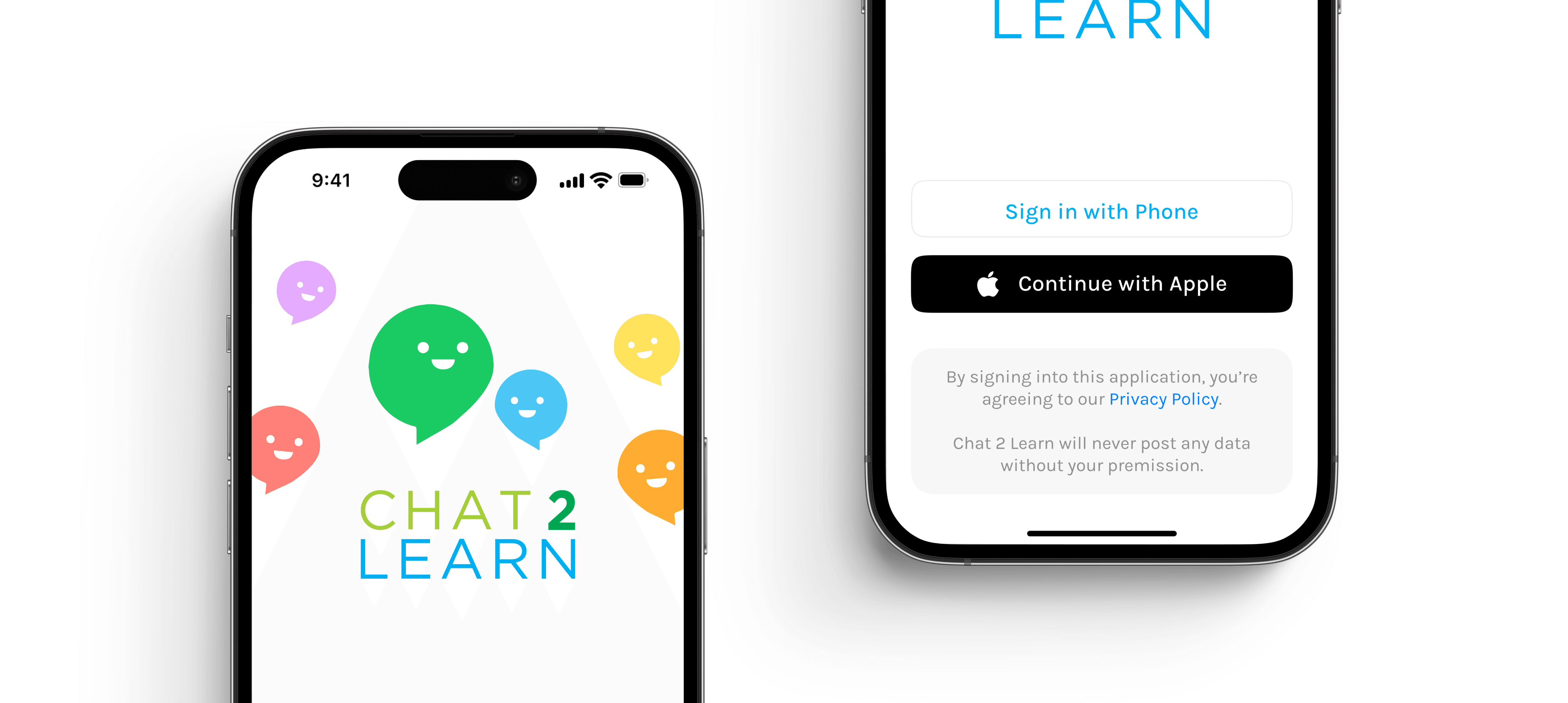
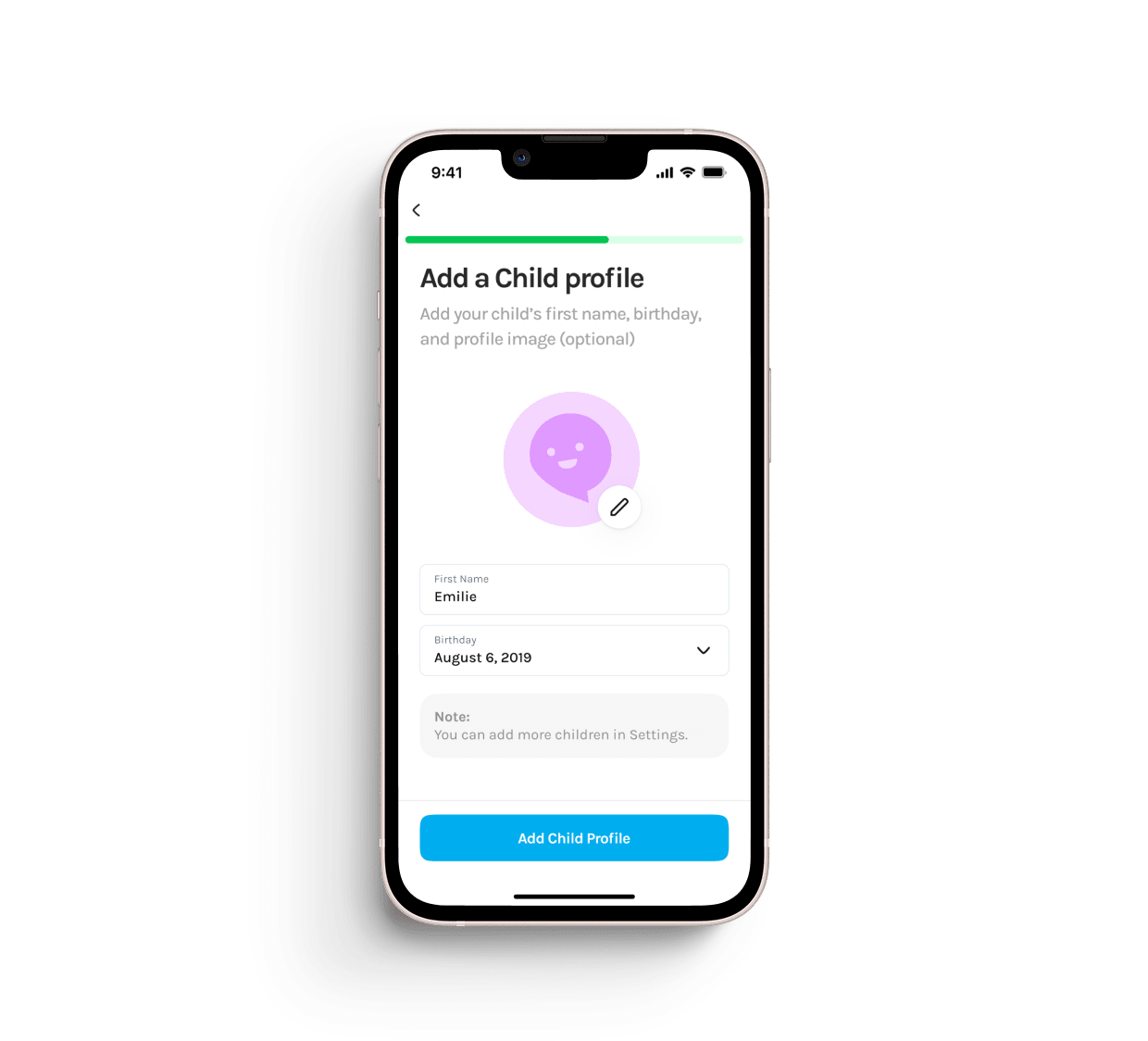
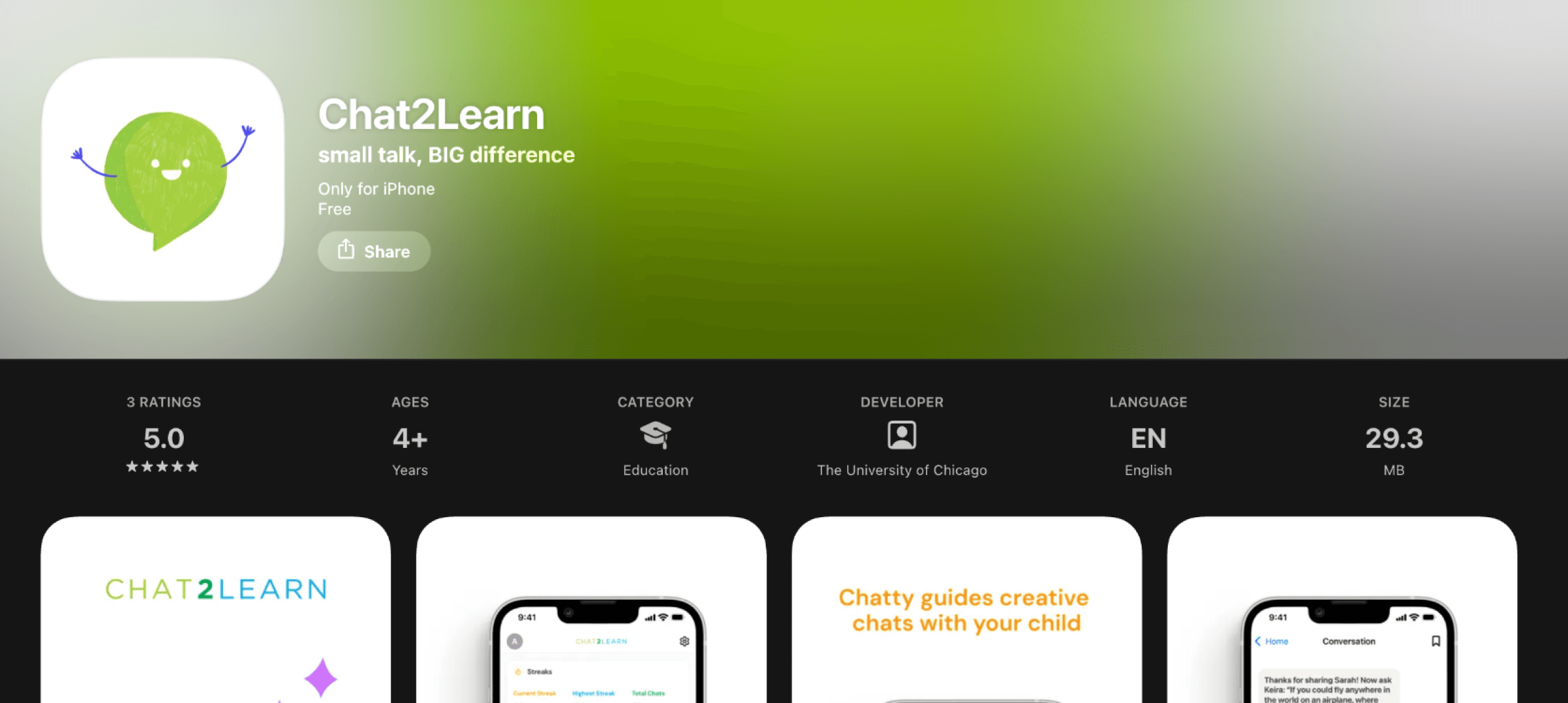
The design was intentionally bright, playful, and welcoming. I created small sprite versions of the existing Chatty logo for the splash screen, designed to resemble children curling up around the "mother" character, setting an emotional tone of calm curiosity and friendliness. Typography evolved from Karla to DM Sans after testing at smaller mobile sizes, as DM Sans preserved clarity and readability at smaller breakpoints and larger font weights.
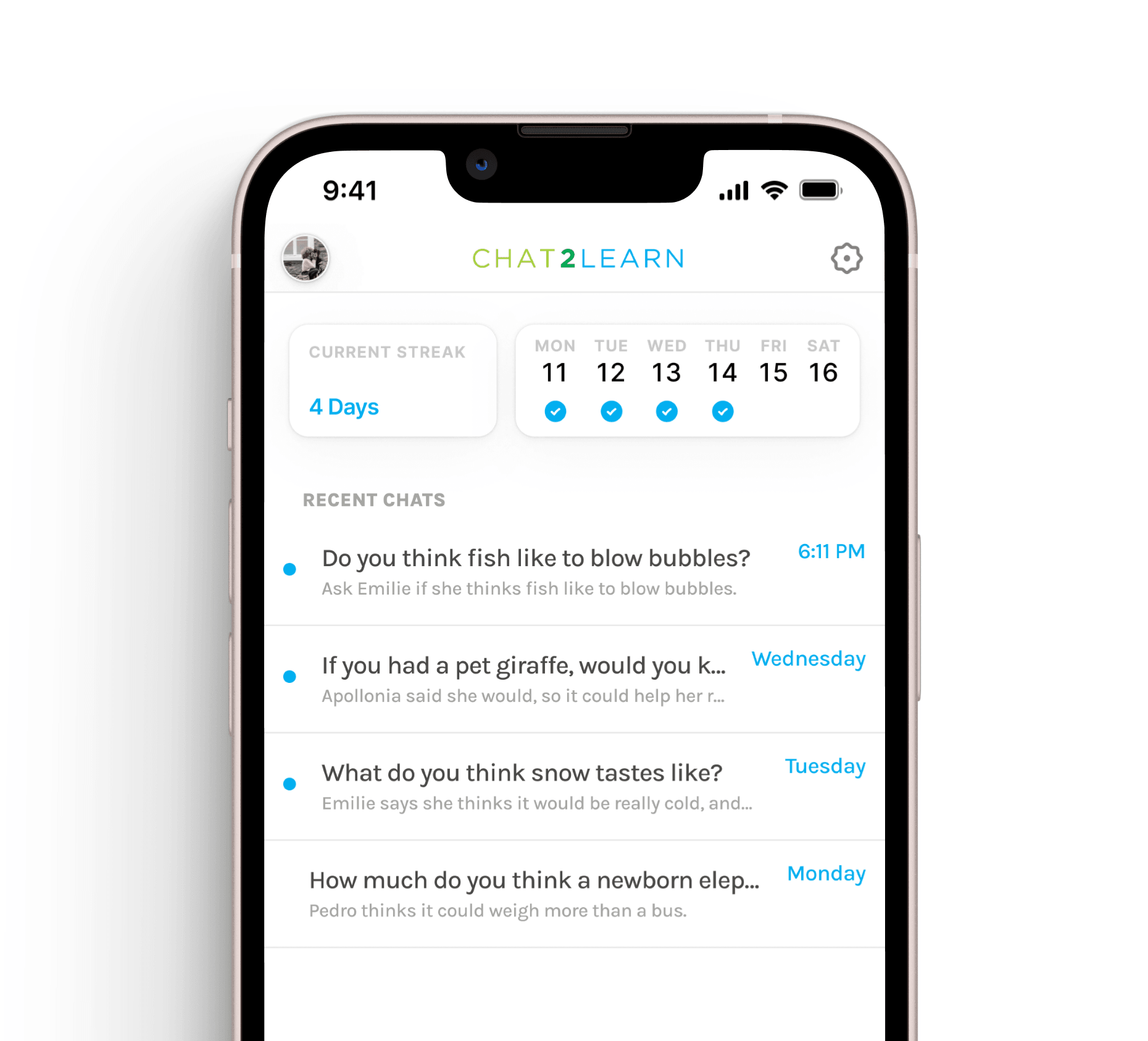
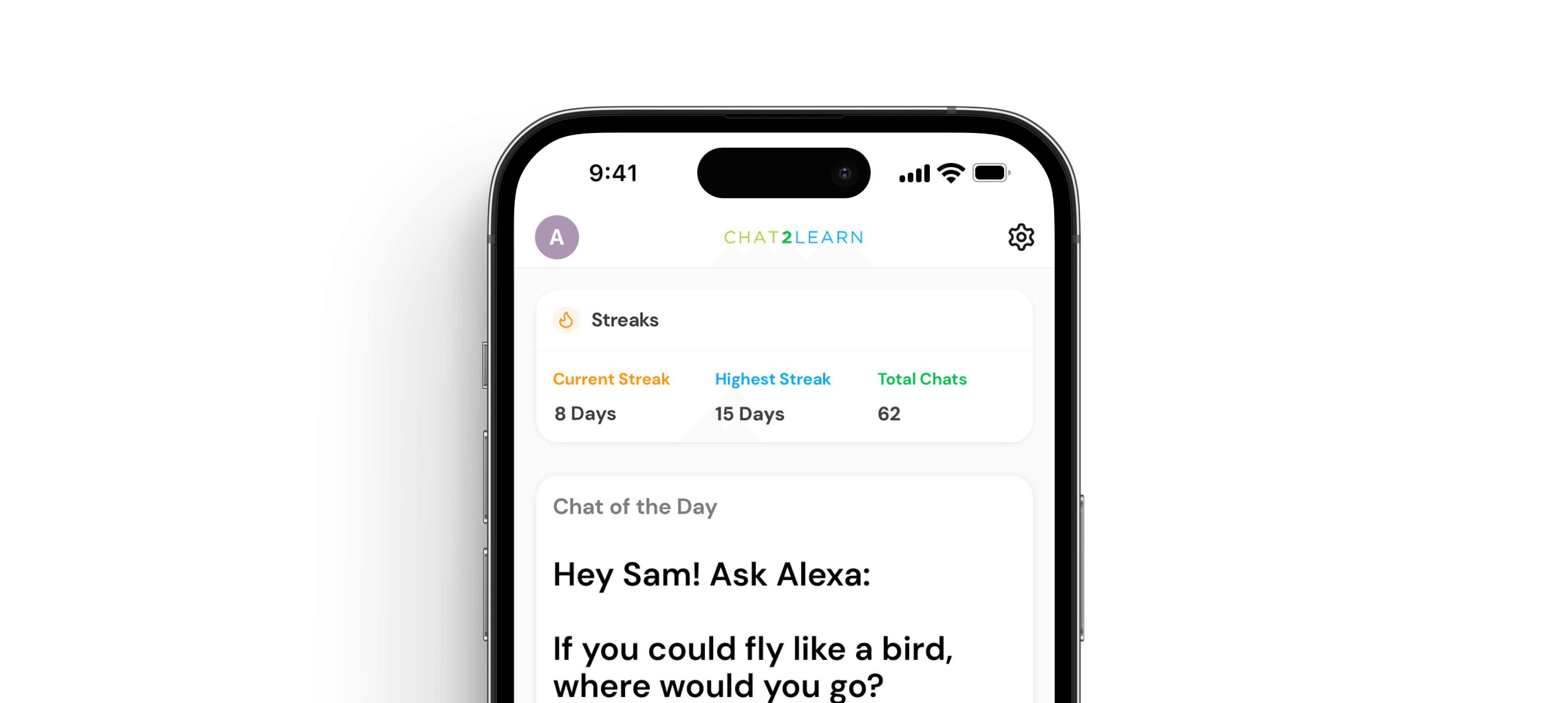
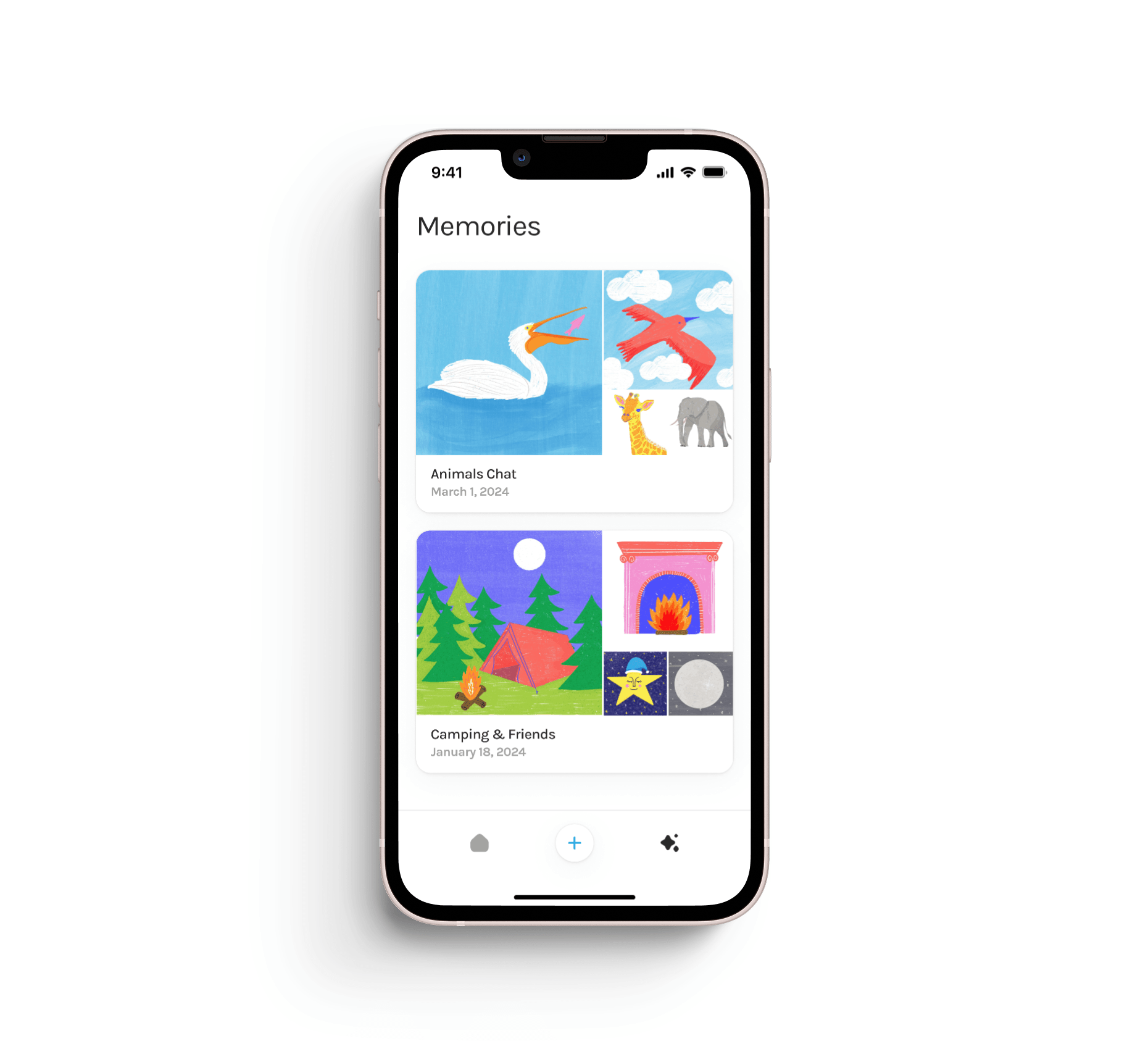
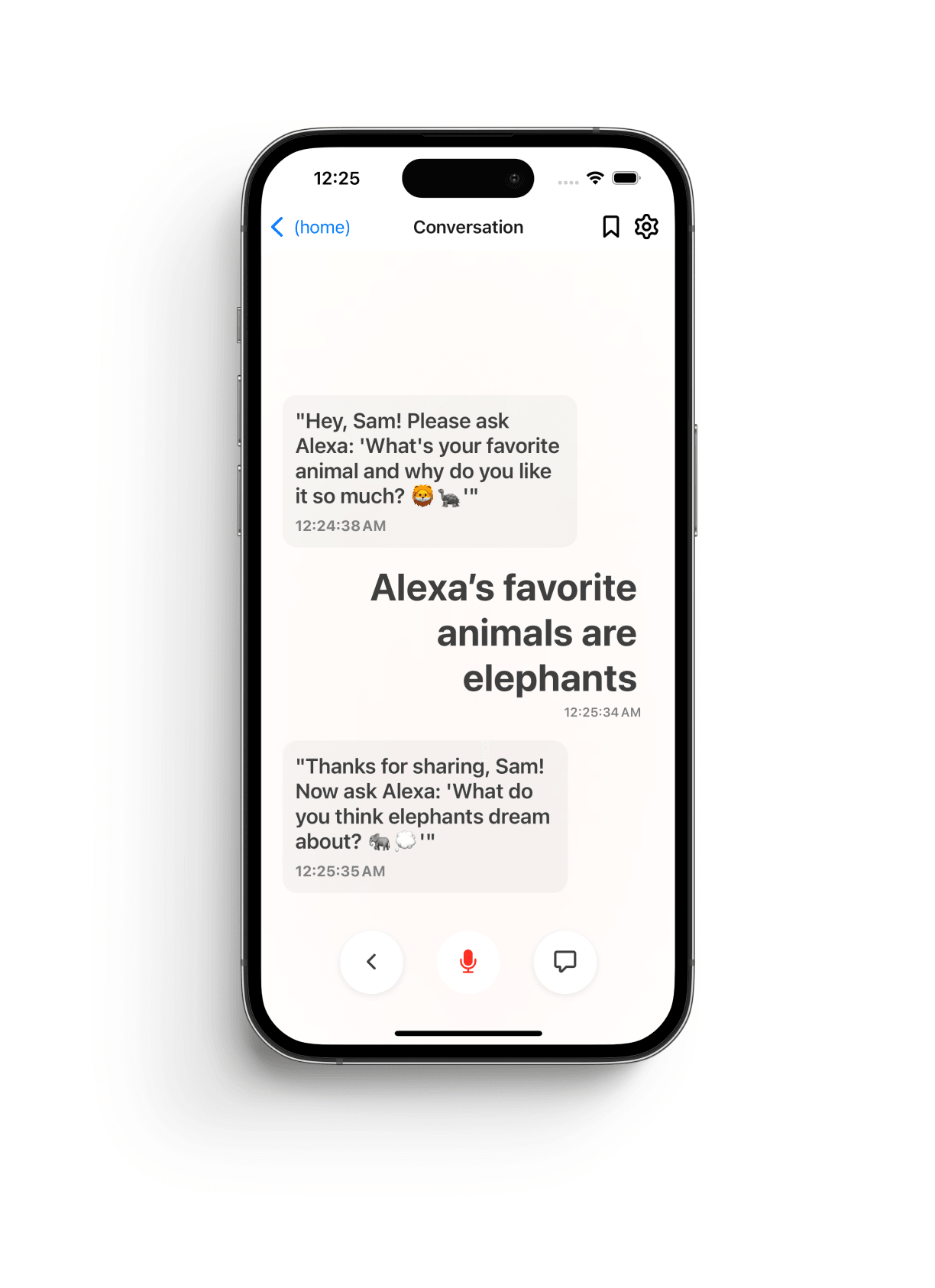
The home screen went through three iterations, with the most notable inclusion being the single "Question of the Day" on the home screen. This allowed the BIP team to create an independent variable for their research by reviewing every family's response to the same question. The core flow became: Parent opens the app → sees the Question of the Day → taps to begin a conversation → speaks or types responses → optionally saves the conversation as a memory.
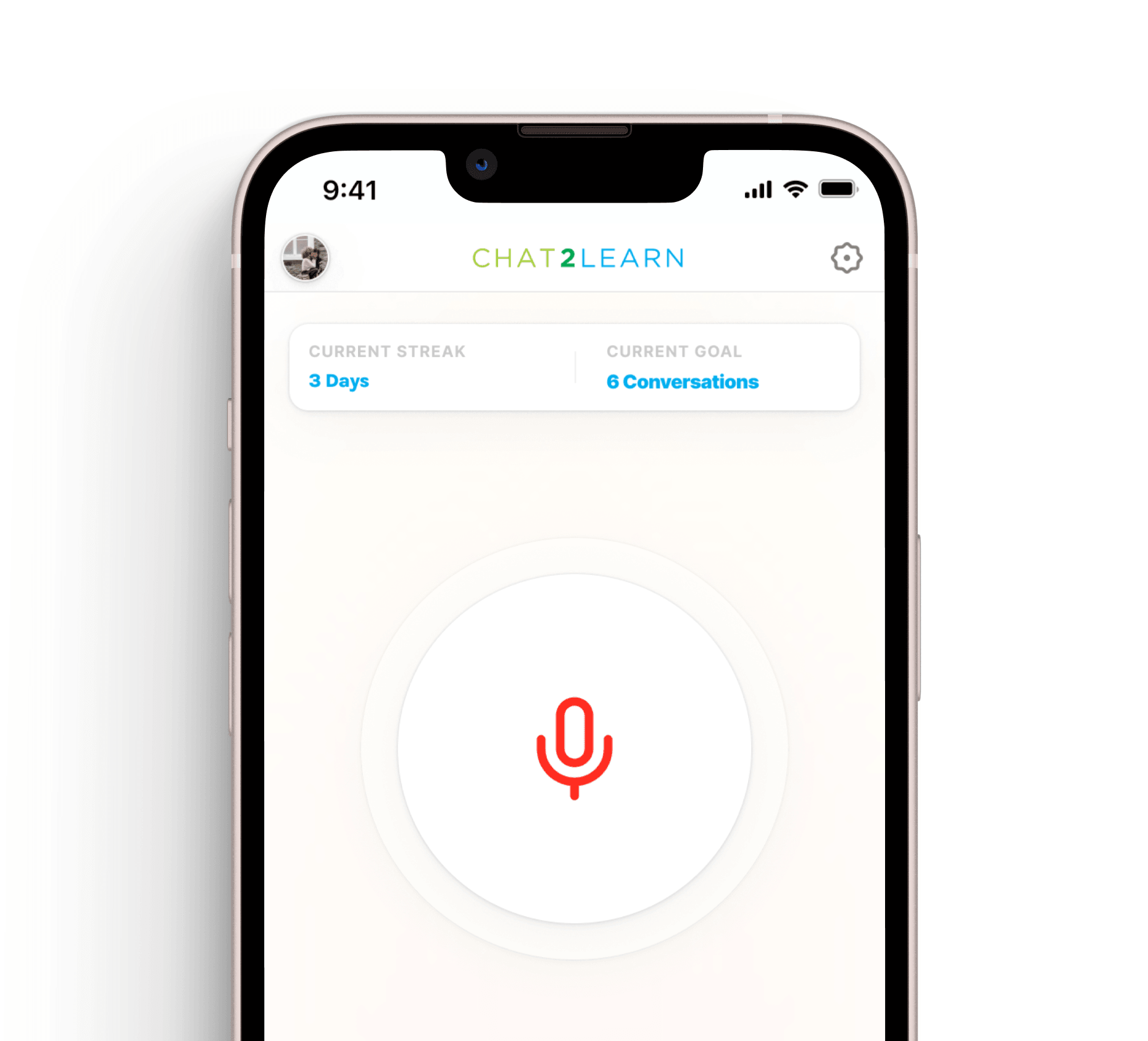
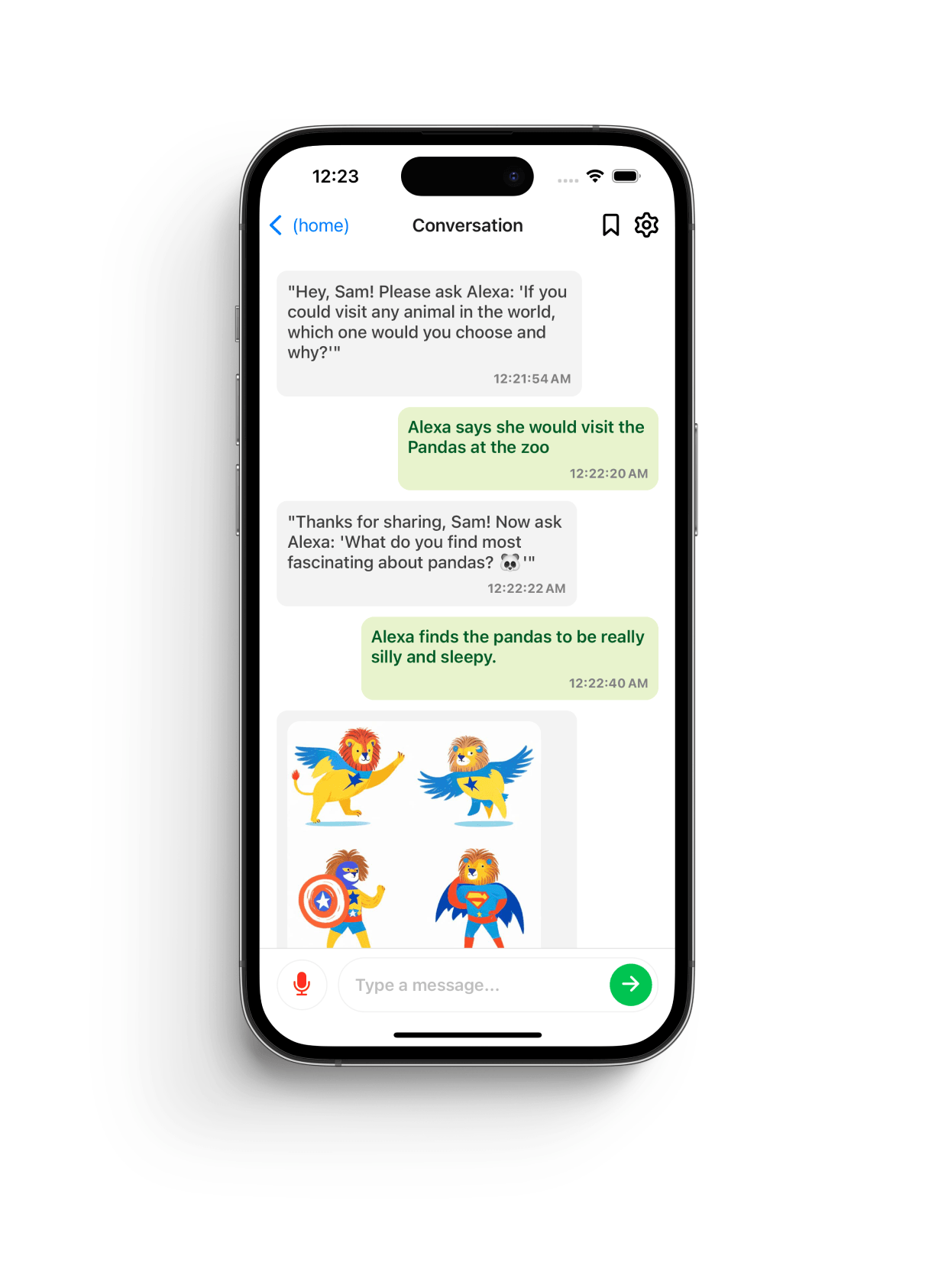
Voice was the default modality, with parents able to hold a button to speak or switch to text mode. The interface also offered a text-based mode that closely resembled a messaging app to reduce cognitive load and make interaction feel familiar.
Impact
I presented my design work in person to the Director of the BIP Lab, Ariel Kalil, in Chicago. With the team's approval, the high-fidelity prototype was used in the BIP Lab's MIT Solve application, which won the prize backed by the Gates Foundation. The app was later built and shipped in February 2025 for both iOS and Android.
The project has since secured an additional $500,000 grant from the Institute of Education Sciences. Families in the pilot program began using the app as part of the study, and the design directly supported the lab's ongoing research into curiosity, language development, and parental engagement.
“The high-fidelity prototype was used in the BIP Lab's MIT Solve application, which won the prize backed by the Gates Foundation.”
- Project Outcome
Reflection
The biggest design challenge was defining the core interaction: how parents would realistically use voice, how they would relay their child's responses, and how to make that flow feel natural. If I could revisit the project, I would invest more time refining loading and waiting states, especially during voice interactions where AI responses could take 4–6 seconds. I would likely remove the Memories view entirely and focus that effort on polish and animation.
Most importantly, I would advocate for more time to bring the prototype's animation quality fully into the shipped app. More than anything, I'm proud of taking this project from 0 → 1—from designing the wireframes, building the prototype, working with a junior developer, and getting the project launched. It became a real product, used by real families, supporting real research.